Tenant Settings
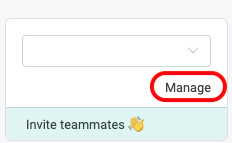
To access the tenant settings, go to Manage in the upper left corner beneath your tenant name.
The tenant settings are organized into tabs. Not every tab is available to every role:
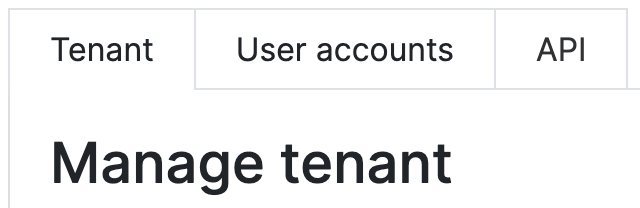
| Tab | Purpose | Available to |
|---|---|---|
| Tenant | Tenant name, company information, default direction, storage durations, SSO, and deleting the tenant | All users |
| User accounts | Invite colleagues and manage roles | All users |
| Billing | Choose and manage your subscription | Owner only |
| API | Generate and manage API access tokens | Owner only |
Tenant
Here you can set a name for your tenant. The name can be changed anytime. In case you are working on multiple teams, this will help you organizing your tenants. Be aware that any changes affect the whole team.
Company information
General information about the company can be entered here and is applied to all customs classifications to improve quality. For example, industry, structure of product numbers, product portfolio, etc.
Default direction for customs tariff proposals
Owners can set a default direction (export or import) for the tenant. New customs tariff proposals are pre-filled with this direction, saving a click for teams that mostly work in one direction.
Storage durations
Owners can set how long classification proposals and customs tariff proposals are kept before they are automatically deleted. You can choose from 7, 30, 60, 90, 180, 360 or 720 days. The default is 180 days.
Single Sign-On
If you want to require your users to sign in with a specific identity provider, open this section and connect your tenant to your identity provider's organization. To do so you must first be signed in with that identity provider. Once connected, all users (including yourself) are forced to sign in to the tenant with that identity provider. Learn more in the Single Sign-On guide.
Delete tenant
At the end of the tenant page you will find an option to delete your tenant. Caution: This action is irreversible and removes all stored customer data!
User accounts
Find out more about inviting users and assigning roles in Invitations and Roles.
Billing
Choose the subscription that fits your needs and manage your active subscription here. Learn more in the Subscribe to a TariffPilot Plan guide.
API
TariffPilot provides an API for programmatically creating proposals. An access token is required, which can be generated here. See the REST API for details.