How to Sign In
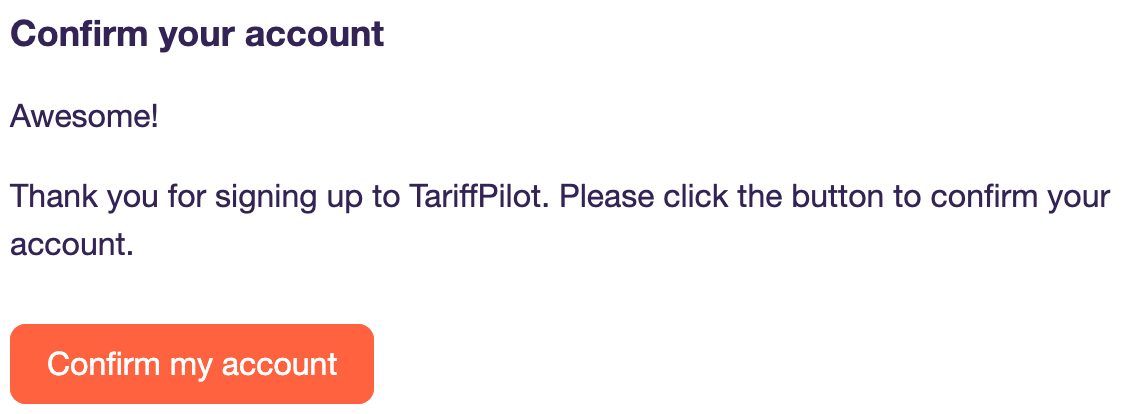
After your first call with the TariffPilot team, you will receive an email inviting you to the TariffPilot Platform. Please click Confirm my account within 24 hours to activate the access to your tenant. Think of your tenant as being your team's playground to create PilotMemos etc. Once you have access, you can invite your colleagues to the same tenant.
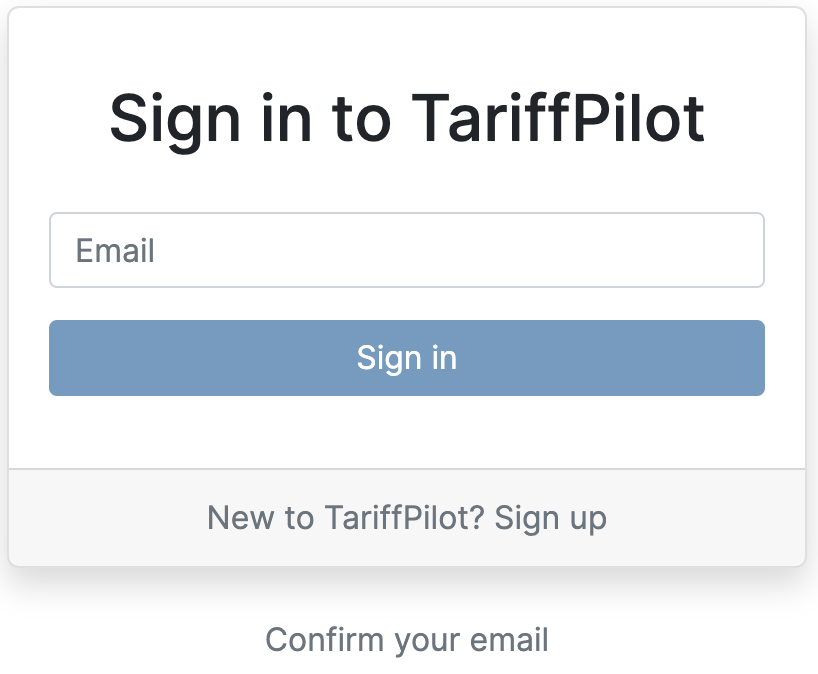
After confirming your account, please type in your email address to access the tenant.
(No) Password Policy
Everybody has trouble remembering passwords, and passwords are often reused for many accounts, which makes them insecure. That is why we retired the password for good. There are three ways to sign in to TariffPilot.
Sign in with magic link
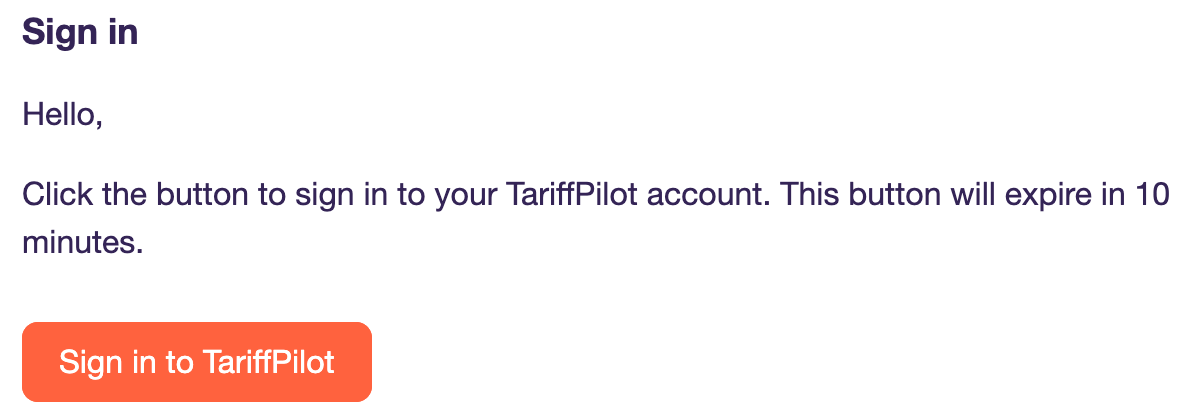
Each time you want to sign in to the TariffPilot Platform, we will send you a magic link via email. Just click the link to access the platform.
Tada! Welcome to the TariffPilot Platform. It's where the magic happens! 🎉 After you are signed in, we strongly recommend you to enable Two-Factor Authentication to keep your user account even more secure.
Sign in with hardware key or passkey (recommended)
According to the FIDO2 standard, a hardware key is currently the most secure sign-in option and is strongly recommended. Keys are available in retail stores for about 20 euros and can be used not only for TariffPilot, but also to secure accounts at Microsoft, Google and many other services.
You can also sign in with a passkey, either with the fingerprint sensor of your laptop or with your Android phone or iPhone via QR code, which is even more convenient. See how to set up your passkey and how to use your smartphone as a security key.
Single Sign-On (SSO)
A third option is the use of an identity provider like Microsoft for SSO. This way, you are authenticated for TariffPilot using the credentials of your provider. You can easily invite your colleagues using the same provider and even force all users of your tenant to sign in using your provider. TariffPilot is a hosted application, so your IT department does not need to register an own application in Microsoft Entra for this. Learn more.
If you have trouble signing in with the magic link email
The magic link email is sent from noreply@tariffpilot-mail.com. If you have trouble receiving the magic link email, please check your spam folder. If you still can't find the email, please contact your IT department to whitelist the email address.
Also, please note that:
- Each magic link email invalidates after a few minutes.
- Only the last magic link email is valid for an user account. So please make sure to delete old magic link emails.
- A magic link email should arrive in your email inbox after few seconds. If it takes longer, it may be a problem with your email server.
We recommend all users to set up Two-Factor Authentication, as this does not require sending of magic link emails.