How to Subscribe to a TariffPilot Plan
Follow these steps to complete your subscription.
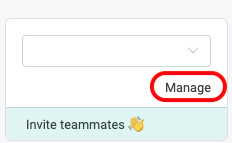
1️⃣ Click on Manage
Open the Manage area to access your tenant administration.
2️⃣ Open Tenant Settings and go to Billing
In Tenant Settings, switch to the Billing tab where you can select the subscription that fits your needs.

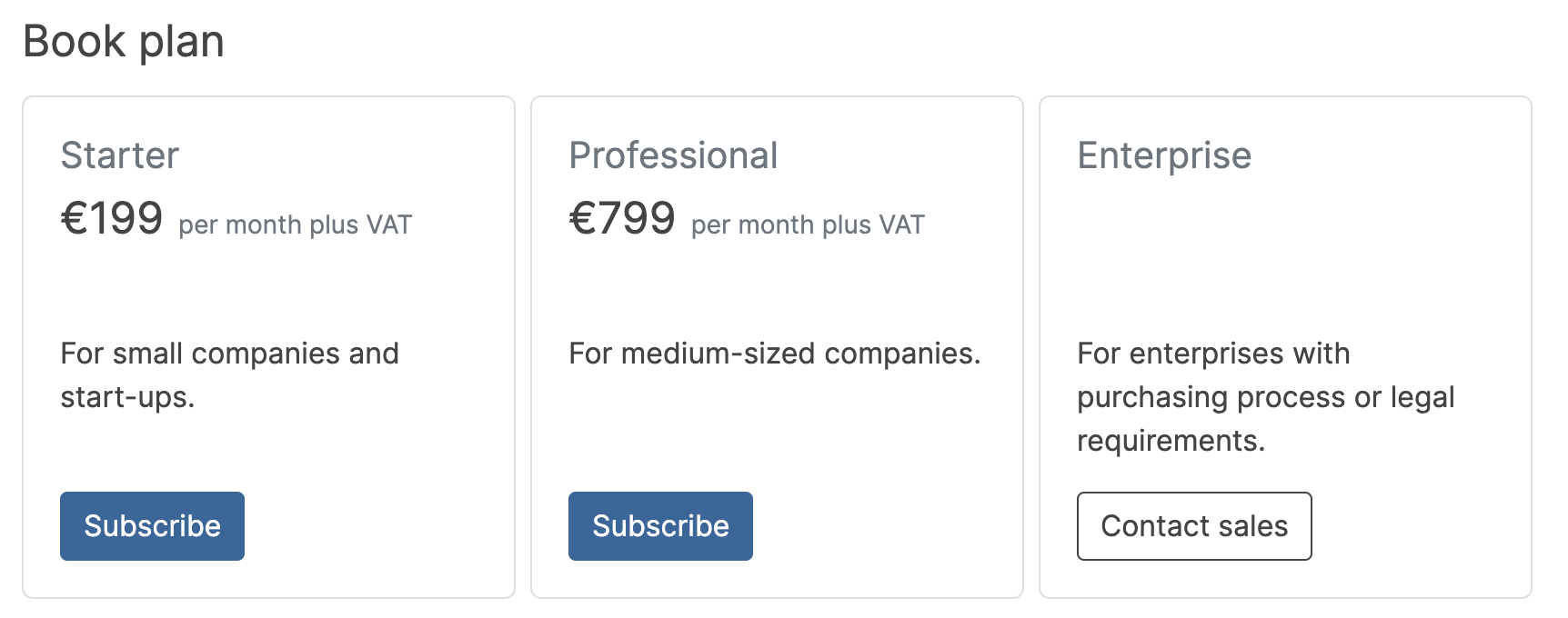
3️⃣ Choose your subscription plan
Select your preferred plan and continue to checkout.
4️⃣ Complete payment on Stripe
You are redirected to Stripe. Enter your payment details and confirm the checkout to activate the subscription.
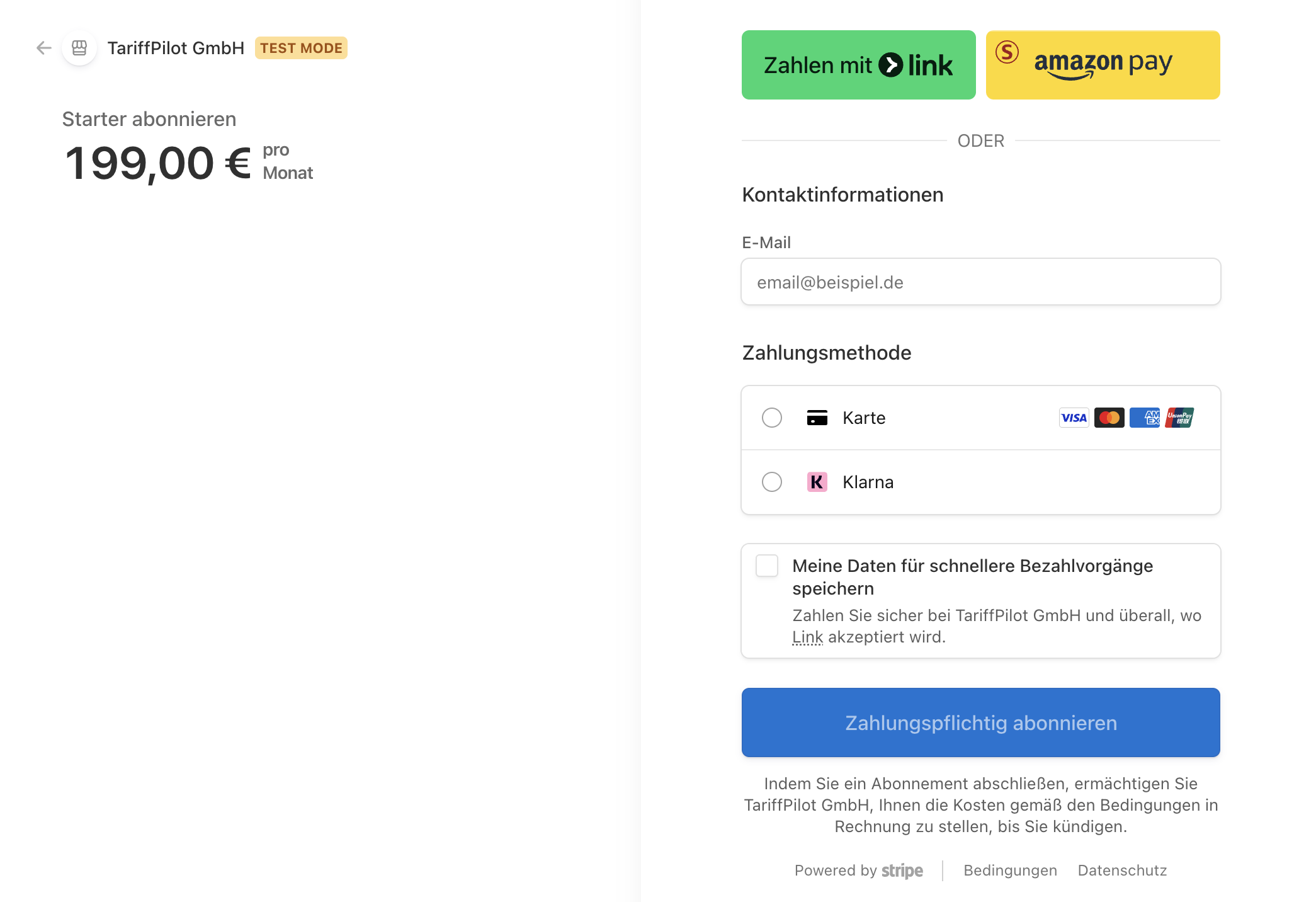
After the payment is successful, your subscription is active.